
Mobogenie Theme (Authorized)3.9.9 - Google Play
You'll be able to see results in few seconds.
Publisher Description
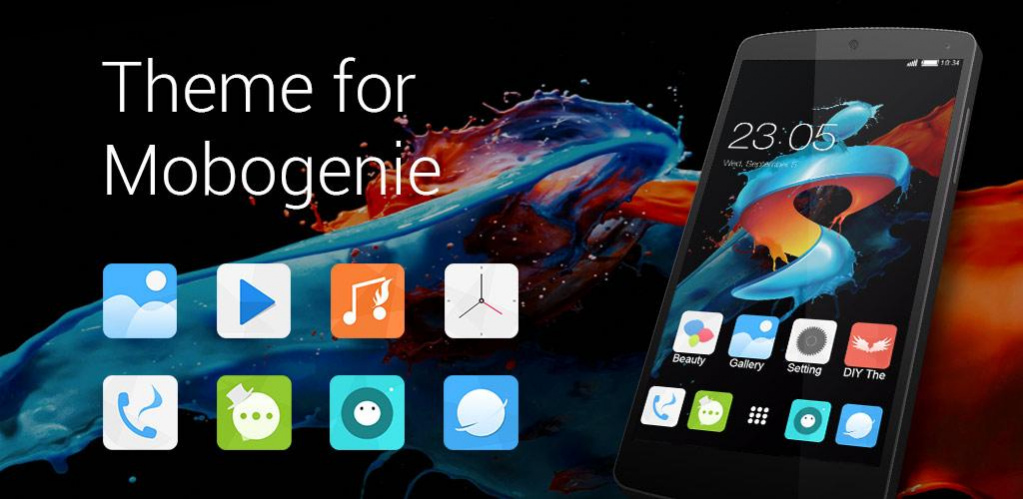
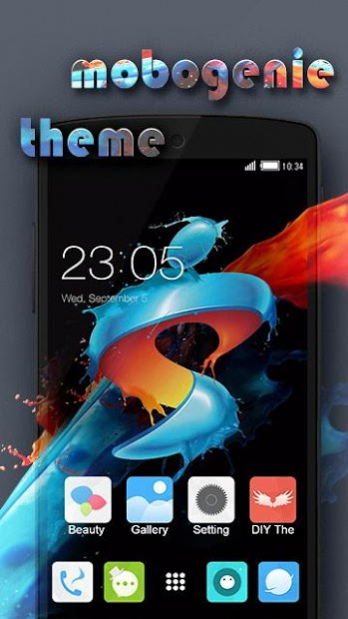
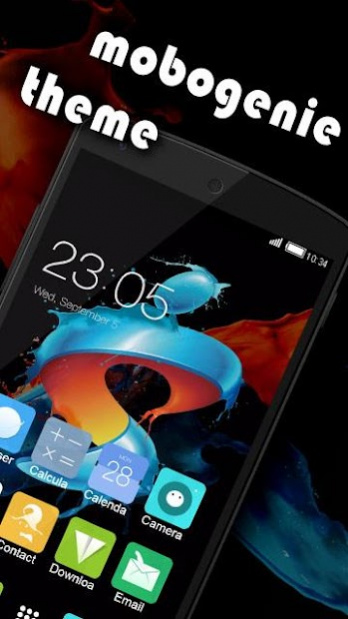
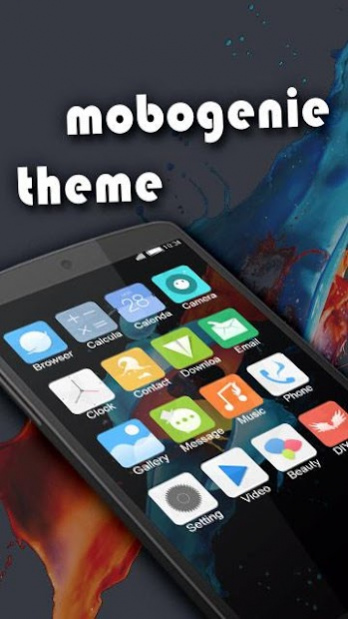
This theme has been fully authorized by Mobogenie Market. And this stylish theme is totally FREE for all users of C Launcher! Install Mobogenie Theme now and enjoy!
Are you looking for stylish theme to customize your phone background? Mobogenie Theme from C Launcher is exactly what you’re looking for!
Personalize your phone playfully!
The richest collection of free themes for Android! HD wallpapers and awesome icons, tons of free themes and colorful skins, transparent app drawer interface and the unparalleled DIY function which allows you to turn your creative ideas into unique themes right on your phone! No matter what kind of thames you are looking for. Abstract, simple, stylish, and so on. You can find it all in C Launcher!
Q&A:
What can be changed with this theme?
- Home screen background;
- Drawer screen;
- Menu screen;
- App icons;
- Folder icons
How to apply this skin?
- Install this cool theme;
- Install the best theme launcher – C Launcher (if you haven’t yet);
- Apply Mobogenie Theme
What about the compatibility with my phone?
C Launcher Team has already thought about that for you. All beautiful skins have been tested extensively and are compatible with 99% of the major Android devices. They are perfect for Samsung Galaxy, Lenovo, Huawei, and any other!
Can I apply this simple theme on my tablet?
Sure, C Launcher themes has high definition format and can be applied both, phone and tab!
DIY a theme?
No problem! In CLauncher, you are the designer! C Launcher theme is more than just a cool theme, it’s a themer. Mix the thousands of new wallpaper, skins and icon packs together, create new themes. Join more than 30 million C Launcher users worldwide and show them your creativity right on your phone!
Looking for the best theme for Android to show your style?
That’s exactly what we provide! All kinds of themes for all kinds of folk! Simple theme, positive theme, abstract theme… a world of free themes are waiting for you to choose! Designers and theme lovers across the world are coming up with new themes every day!
And more new features are coming soon! CLauncher Team is working hard on live wallpapers and 3D themes for Android, and they are just around the corner!
If you are actually bored out of your Home screen without any unique charms and you are looking for stylish theme with custom icons, Mobogenie Theme is not your second choice. Now, just “dress up” your Android device with colorful themes for C Launcher!
Notice:
This cool theme is customized for C Launcher.
Thanks for choosing CLauncher theme. If you found this simple theme cool enough, rate five stars and share it with your friends. Your support will definitely inspire us to design more new themes!
Contact us:
E-mail: clauncherteam@gmail.com
Facebook: https://www.facebook.com/CLauncherFan/?fref=ts
Google+: https://plus.google.com/communities/103409194826057839501
NOTICE: This theme was fully authorized by Mobogenie.
About Mobogenie Theme (Authorized)
The company that develops Mobogenie Theme (Authorized) is X Launcher Team - Hide App. The latest version released by its developer is 3.9.9.
To install Mobogenie Theme (Authorized) on your Android device, just click the green Continue To App button above to start the installation process. The app is listed on our website since 2019-04-21 and was downloaded 0 times. We have already checked if the download link is safe, however for your own protection we recommend that you scan the downloaded app with your antivirus. Your antivirus may detect the Mobogenie Theme (Authorized) as malware as malware if the download link to com.cyou.cma.clauncher.theme.v5924186138310e12a5de4205 is broken.
How to install Mobogenie Theme (Authorized) on your Android device:
- Click on the Continue To App button on our website. This will redirect you to Google Play.
- Once the Mobogenie Theme (Authorized) is shown in the Google Play listing of your Android device, you can start its download and installation. Tap on the Install button located below the search bar and to the right of the app icon.
- A pop-up window with the permissions required by Mobogenie Theme (Authorized) will be shown. Click on Accept to continue the process.
- Mobogenie Theme (Authorized) will be downloaded onto your device, displaying a progress. Once the download completes, the installation will start and you'll get a notification after the installation is finished.
Program Details
System requirements
Download information
Pricing
Version History
version 3.9.9
posted on 2019-04-21
Smoother and more convenient operation experience
Disclaimer
Official Google Play Link
We do not host Mobogenie Theme (Authorized) on our servers. We did not scan it for viruses, adware, spyware or other type of malware. This app is hosted by Google and passed their terms and conditions to be listed there. We recommend caution when installing it.
The Google Play link for Mobogenie Theme (Authorized) is provided to you by apps112.com without any warranties, representations or guarantees of any kind, so access it at your own risk.
If you have questions regarding this particular app contact the publisher directly. For questions about the functionalities of apps112.com contact us.
